Commodore 64 repair part 2

PSU time… 🙂

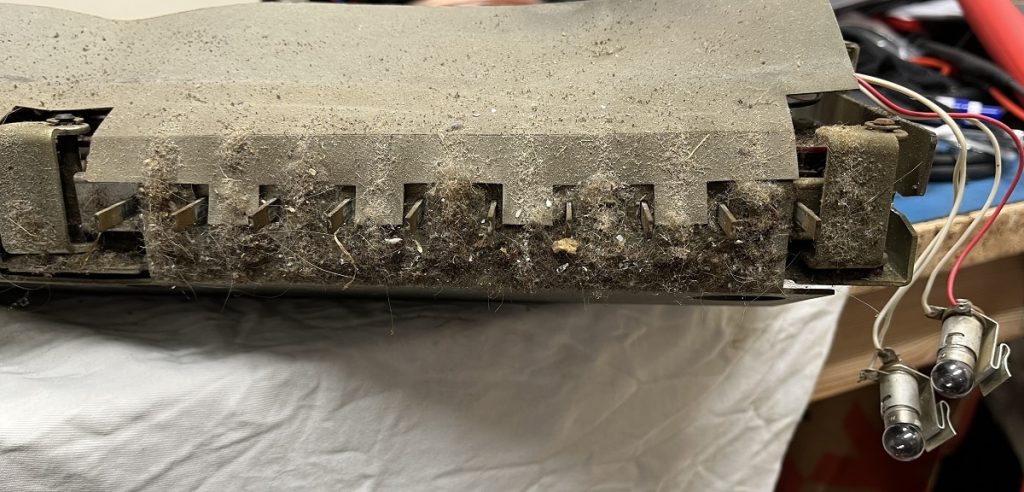
The cord was cut at some point, and they had soldered it together with electrical tape over it.
Did not look nice though, and since the cut was so close to the plug i decided to cut it out and solder the pins from the cord in the plug so it will look a bit nicer.

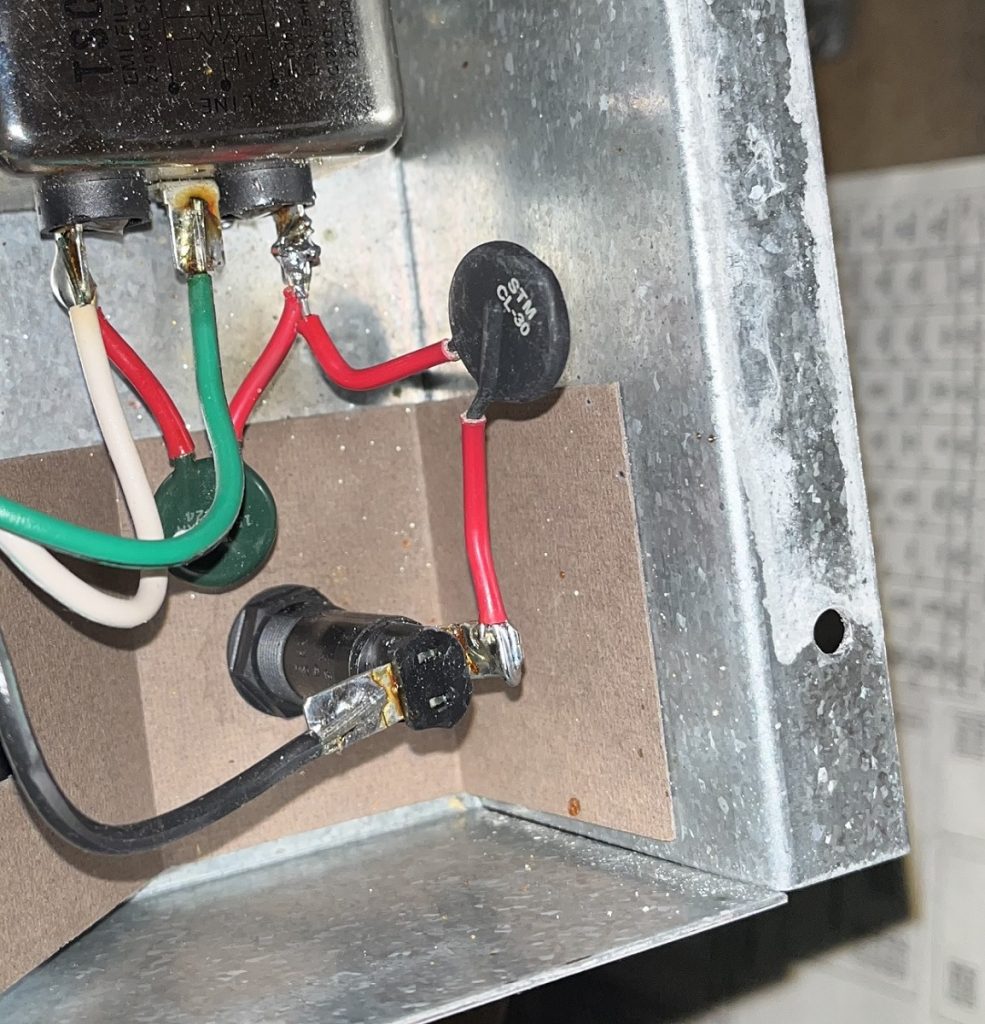
Then i opened it up and used a cell phone charger (2.4A), but unfortunately it did not work with the C64.
I had +5v in the plug towards the C64 when measured before connecting it, but the C64 did not start, and measuring the +5 line inside the C64 it only showed about 3.4v.
(Yes, i also had the +9v working from the original transformer, this is a longboard and they require the 9v along with the 5v.)
Reading about the problem, it showed that some cheaper chargers produce too much ripple, so i guess this was the case with the first one i used.(?)

In the future i will try different cell phone chargers without disassembling them first… 🙂

I replaced the cell phone charger with a different 2.4A cell phone charger of another brand, and now it works. 🙂

Finished off with hot glueing the case together, and put a sticker on the underside of it that it has been modded.

Next is the video cable… 🙂

Commodore 64 repair part 1

I promised a friend that i will give him a C64 from my collection.
He used to have a bredbin C64 (with swedish keys) back in the days, so i took one of those from my collection for this project.

When powered up, it gave me a blue screen with a blue border, nothing more.
The Jupiter Lander cart worked when i tested with that.
(It does not use the ROMs on the C64, so if that cart works it can be one of the ROMs that has failed.)
The suspected IC was the Basic ROM.
I took it out and soldered a socket in its place.
Inserting a Basic ROM from my parts bin solved the situation.
(I also had to replace the SID because it too did not work.)

Testing with my diagnostic cart and harness gave a positive result, all good.

I connected it to one of my cassette players from my collection and tried to load a game.
This did not work, but after adjusting the tape head i got it to work.
Tested another game and it was fine too.
(Tested a two player game and it works fine.)

A C64 with cassette player : Check!
Still to go is a working power supply and a video cable so he can hook it up.

It seems that a lot of people had noticed that the original psu has a tendency to fail, outputting much higher voltage that fries the C64 components.
For like ten years ago i modded a psu for my C64 that i am using with a 2.4A cell phone charger inside for the +5v, and keeping the transformer for the +9v AC.
I will do the same here.
Just open the psu, remove the original circuit used for the +5v, and install the cell phone charger circuit instead.
I will pick up a suitable cell phone charger on Monday that delivers about 2.4A.
(The original delivers 1.5A, so 2.4A is more than enough for the C64.)
To be continued… 🙂

Bally Harlem Globetrotters pinball machine part 4

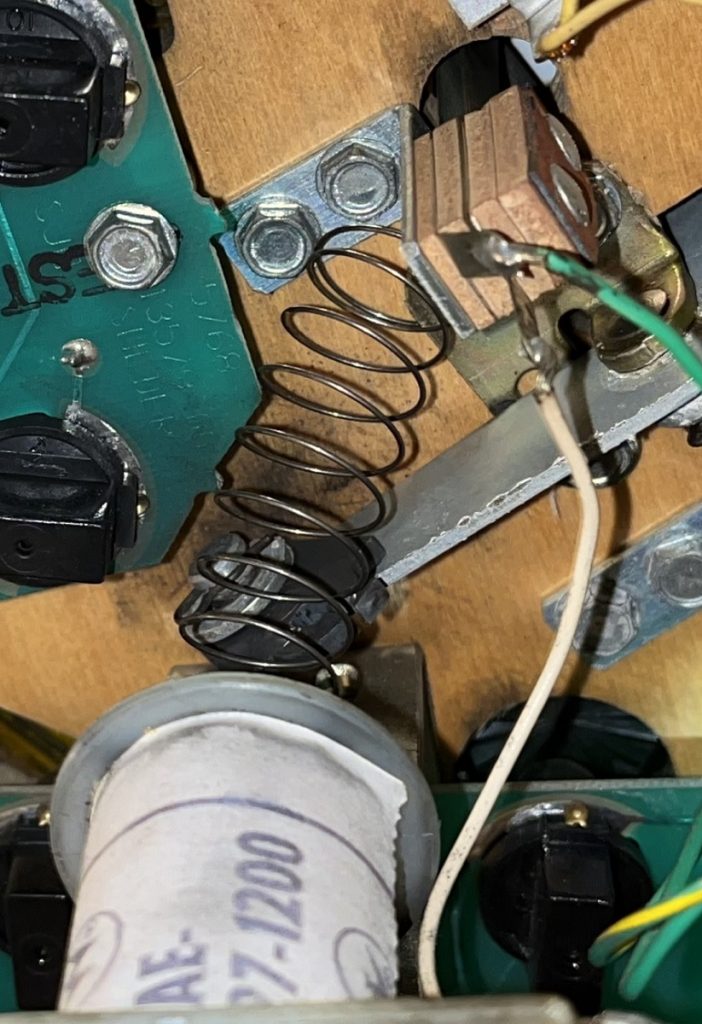
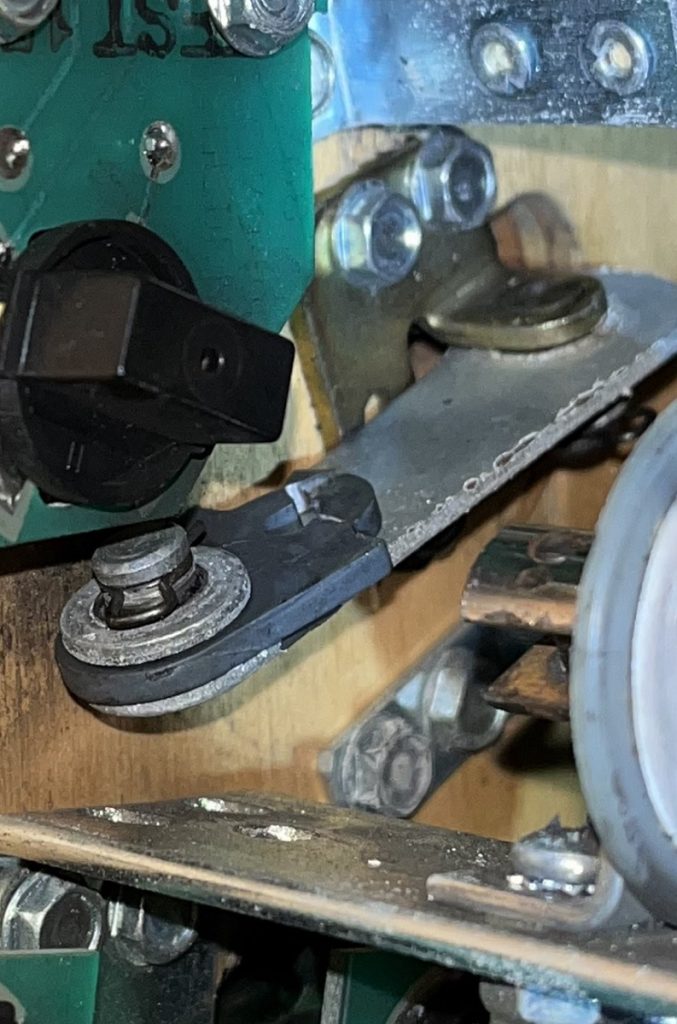
The pop bumpers were cleaned and reassembled in the game.

The coin door were very hard to open/close, somebody seems to have kicked on it at some point.
After correction the coin door works fine again.

There were no lock either, so i put a new one in.
Looks a bit better than that hole… 🙂

I tested the game a bit, and had to replace the left flipper button.
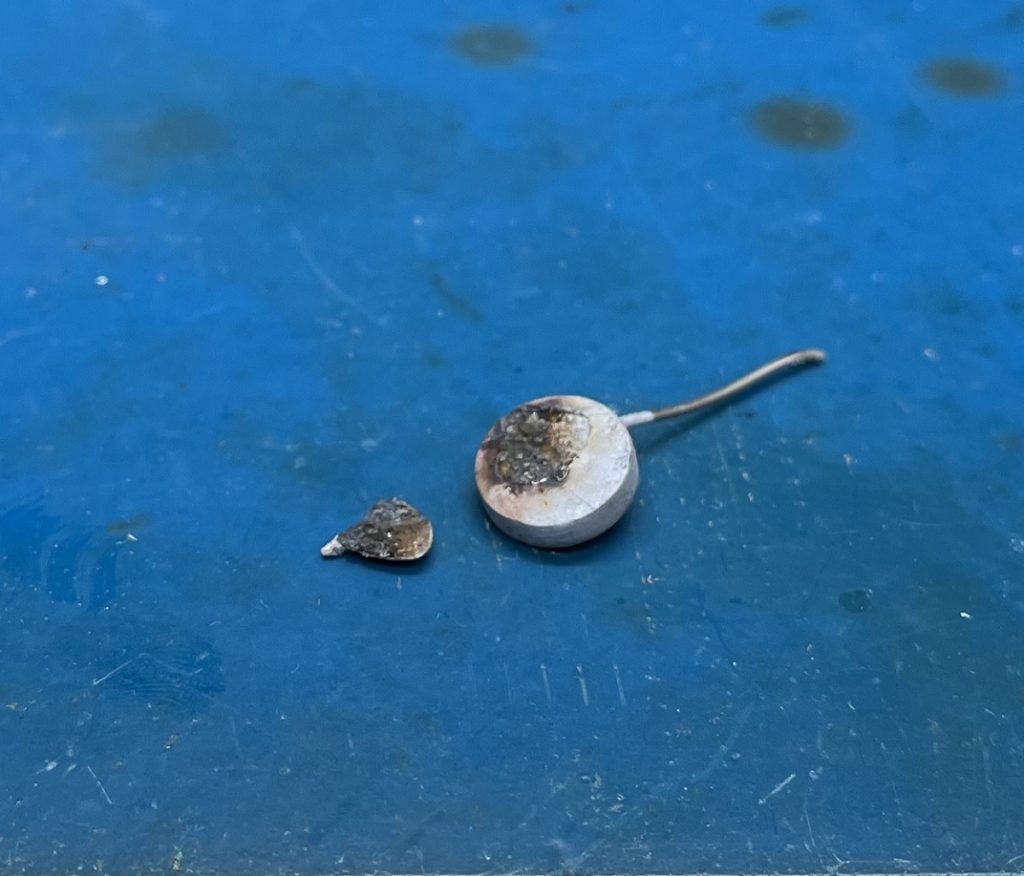
It felt like there were some bubbly tape on it, but it turned out that the button has been burned with a lighter..?

I also took the shooter rod out and cleaned it.

I playtested a couple of games every morning for two days, and then there were a problem with the top right display.. 🙂
The lower digit was suddenly missing.
I changed the IC on that display board and repinned the connector and the problem were solved.

Now all that is left is to play the game a couple of times every morning for a couple of days to see if any other problems show up.

After that it can be returned to its owner.

Bally Harlem Globetrotters pinball machine part 3

The power supply board were next.
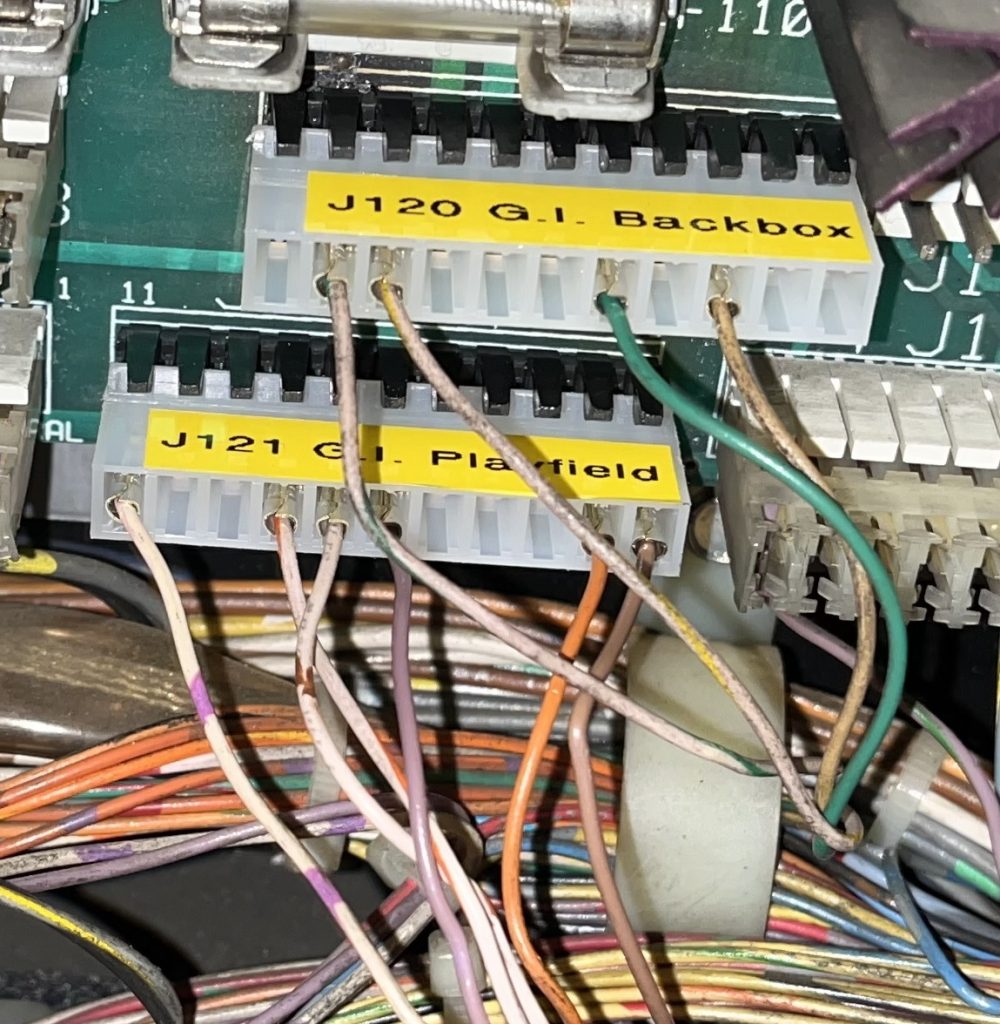
Most connectors were soldered directly to the pins on the board.
One of the three rectifiers were previously moved to the backbox with wires.
And one of the rectifiers on the board were broken, so i decided to replace them all.

All fuses were replaced with correct values.
(As always several fuses were way to big…)

All the connectors has now been replaced, and the wires are repinned.
(The rectifiers and heatsink are not yet replaced in the picture.)

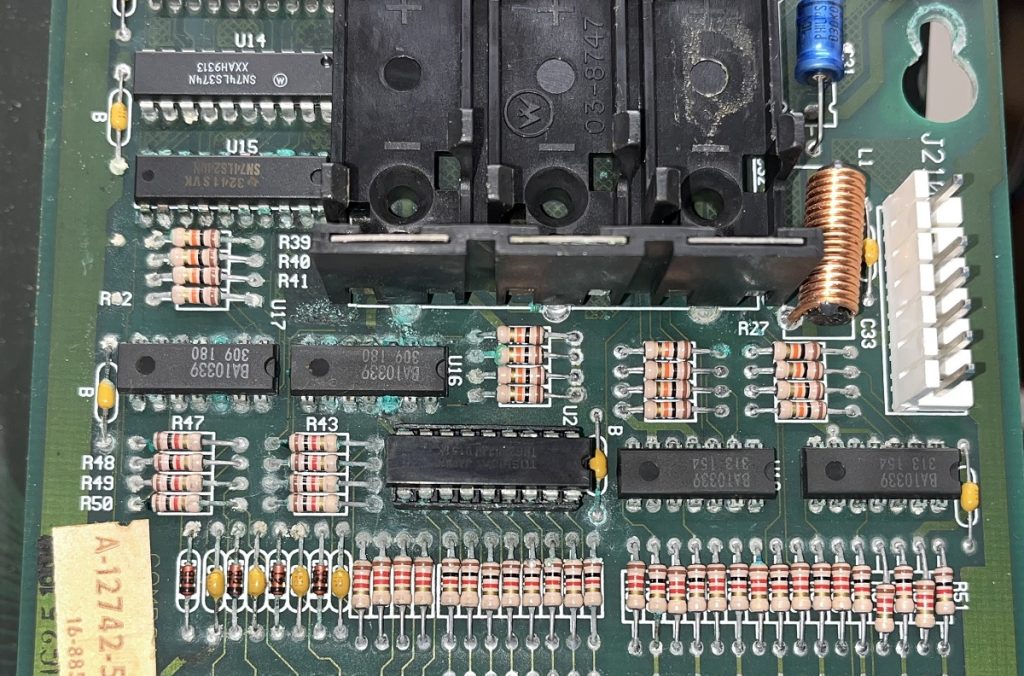
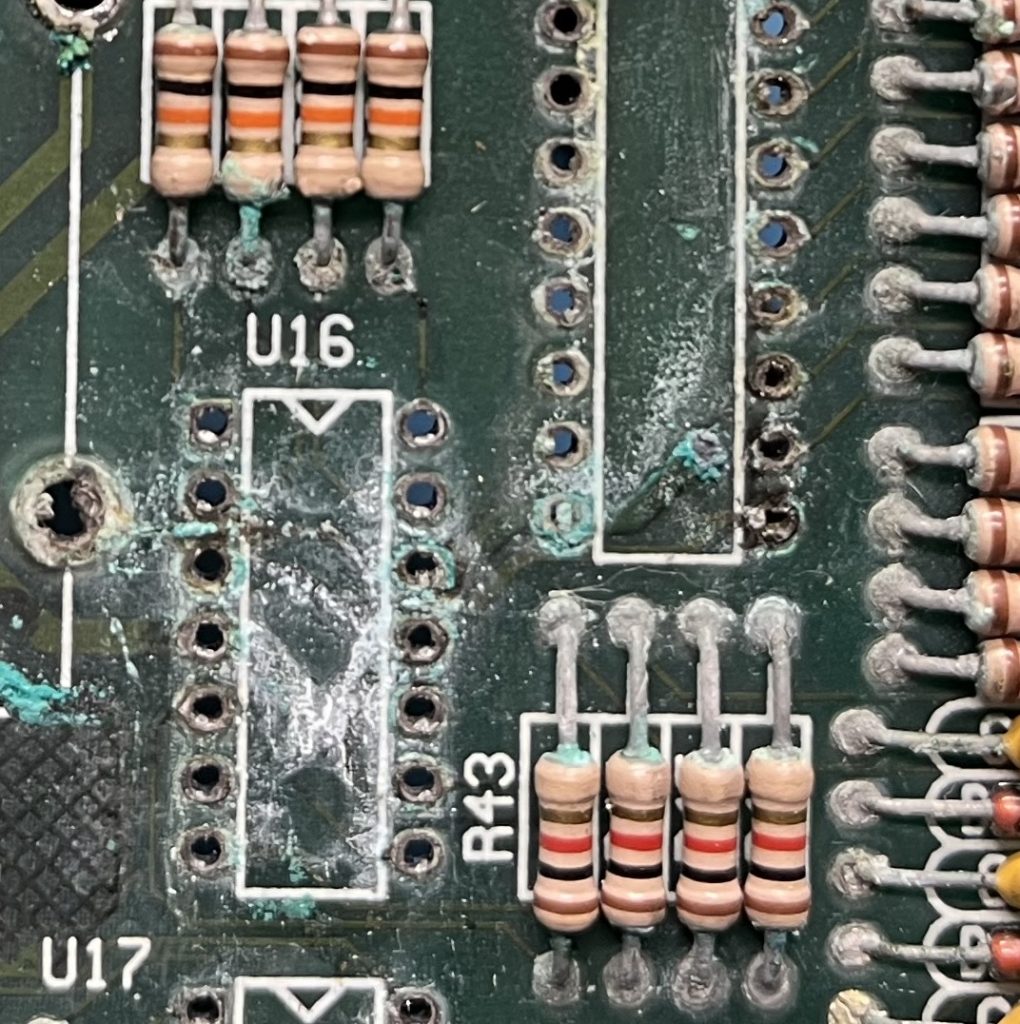
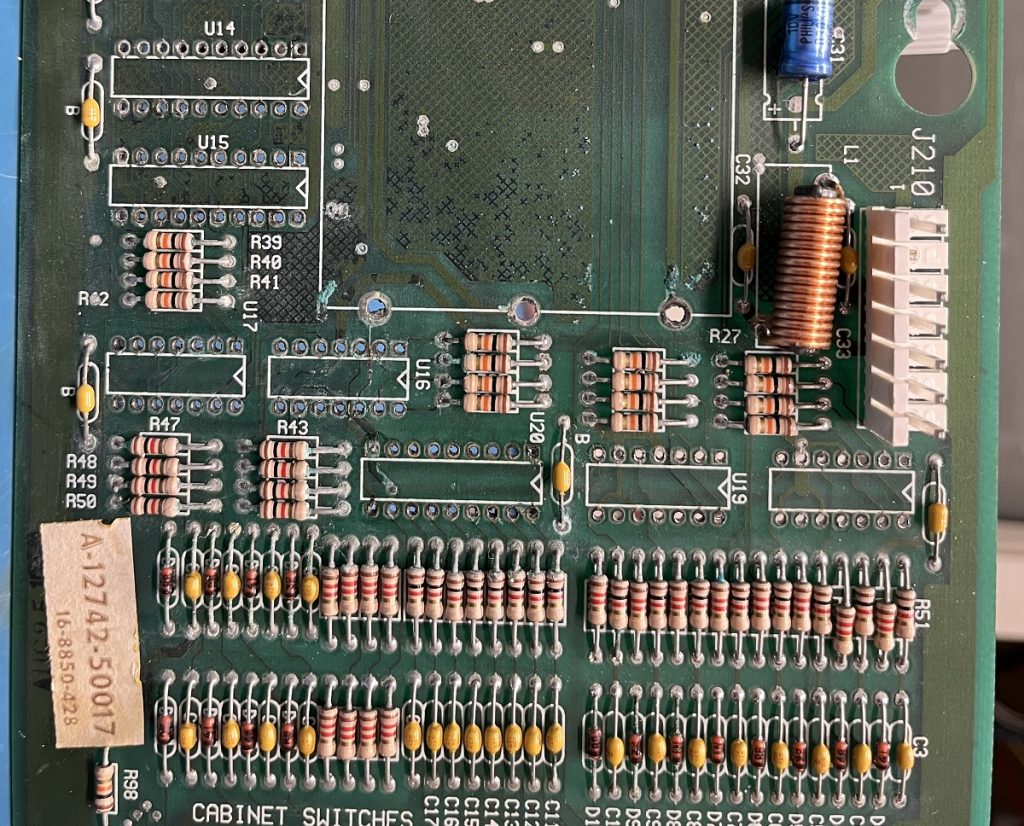
A few before and after pictures is also in this post.

MPU-board had acid damage as they usually have.
A bit of cleaning together with vinegar hopefully prolongs the boards life.
There were many chips on the board that was bad and had to be replaced before it booted again. (CPU/PIA/5101/6810)
A new battery holder were placed in the backbox.
Reflowed the connectors.

All plastics were cleaned. (And the playfield.)

All bulbs are replaced with #47s, and all of the rubbers are now replaced.

The fuse holder under the playfield was broken and replaced together with a new fuse.

Capacitors were replaced on the sound board, and U11 were socketed and replaced with a new 86L93.
Reflowed the connectors.
(The sound board was making no sound at all before, but now it is up and running again.)

A few switches on the playfield were showing as stuck in the self test, and required new diodes and capacitors to get them going again.

The solenoid board required another chip to be replaced before all coils were functioning again.

The lamp driver board also required a new chip and a new transistor before all lamps worked as they should.

Two displays were dead.
Reflowing all of the displays pins and replacing the usual resistors that often goes bad made all the displays working fine again.

Getting close now… 🙂

Next are the pop bumpers..

Gun Fight arcade game part 1

I bought this Gun Fight arcade game.
(Apparantly the first arcade game with a cpu, and the first with “human to human combat”.)
It is based on Intels 8080 CPU.

The cabinet seems to be quite nice for its age, only a small piece missing in the top left corner, and only a few scratches.

I also got a cardboard box with another monitor in it, a Philips 19VKUP22.
Does not fit this game though. 🙂

The game boards and power supply were delivered in a cardboard box, luckily together with an extra set of boards.
(Which were heavily hacked.. 🙂 )
The CPU and PROMs from the original main board were delivered desoldered and loose in the box.

I removed the transformer from the game and placed it on my workbench together with the power supply board.
The power supply board had also been worked on recently.
Two newer capacitors, one of them placed backwards (+/-), and the other one were in serial with a zero-ohm resistor.

This will be an interesting repair. 🙂

The power supply were repaired first and is now working. 🙂

Bally Harlem Globetrotters pinball machine part 2

Solenoid board ready for testing.
IC in U4 (CA3081) were dead, and had to be replaced.
(I took a used one from one of my spare solenoid boards and mounted it in a socket.)

Capacitor replacement : Done
Transistor checks : Done
Reflowing connectors : Done
Voltage checks including HV-section : Done
Future proofing grounds : Done

Bally Harlem Globetrotters pinball machine part 1

I got this Bally Harlem Globetrotters pinball machine in for repair.

The owner had it for at least 10 years, and it was not working when he got it.
(Only G.I. worked when powering up.)

Before first start up, i will need to do a couple of things as usual :

1, Power supply (Check fuse ratings, connectors, reflowing connectors, voltages.)

2, Solenoid board. (Capacitor replacement, transistor checks, reflowing connectors, voltage checks including HV-section, and future proofing the grounds.)

3, MPU board. (Acid damage repair, reflowing connectors, testing on the workbench.

4, Visual check of the underside of the playfield. (Coils mostly, including checking for shorted ones, but also if there are something missing or things that seems broken.)

Space Invaders arcade game part 1

I got this Space Invaders arcade game in for repair.

I made no promises because this is my first arcade game in a cabinet, and i have never worked with arcade monitors and power supplys.
Also Space Invaders CPU is an Intel 8080, which are somewhat hard to come by.
Not to mention the RAMs that are almost unobtainium (For me anyway), and appearantly often goes bad on these.
This will take some time.. 🙂

Measured voltages, and they were ok.
I then hooked up my monitor (Philips CM-8833-II) to the game instead of the monitor that is in the cabinet, and powered it on.
Garbage appeared on the screen, so the game is not booting.

The power supply i have on my workbench should deliver -5v, but when measured it only showed -4.2v, and i am not sure if that would hurt the 8080.
The 8080 is appearantly sensitive to the -5v supply, if it is missing, the 8080 are likely to be destroyed.
I will not risc that, så i will first have to find a solution for a power supply that delivers closer to -5v before plugging it in on my workbench and start troubleshooting.

Williams Jungle Lord pinball machine returns part 1

It has returned! 🙂

New faults has appeared :

-The left magnet stays on when a game is started.
-The miniball sticks in a lane sometimes.
-One drop target does not drop correctly anymore.

Left magnet stayed on was a shorted 74LS08.
Removed, socketed and replaced.
Left magnet ok again.

Drop target that did not drop properly seems to be that half the sticker has come loose and sticks half way down.
(Bottom half loose.)

EDIT : It is now repaired, and it waits for its owner to come and collect it. 🙂